 sales@doomshell.com
 +91 8005523567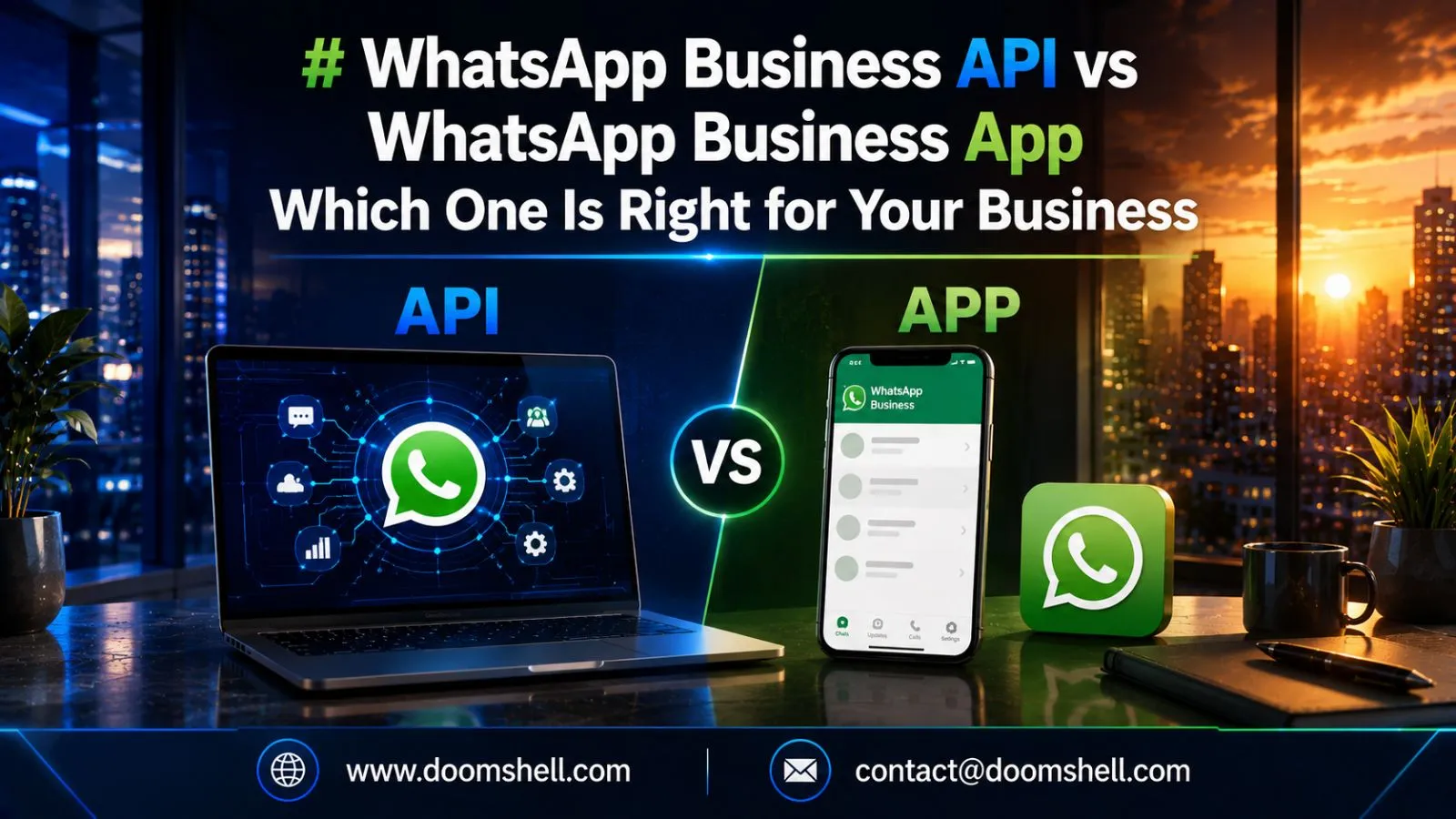
WhatsApp has become one of the world’s most widely used communication platforms, making it an essential customer engagement channel for businesses. Consumers increasingly prefer messaging businesses directly instead of making phone calls or sending emails because WhatsApp provides faster, more convenient communication.
However, many businesses struggle to decide between the WhatsApp Business API vs WhatsApp Business App. Although both solutions are designed for business communication, they serve different purposes and business sizes.
Small businesses often choose the free WhatsApp Business App because it offers simple tools for customer interaction. In contrast, growing companies and enterprises prefer the WhatsApp Business API because it supports automation, multiple users, CRM integrations, and high-volume messaging.
Understanding the differences helps businesses invest in the right platform for long-term customer engagement and operational efficiency.
What Is WhatsApp Business App?
The WhatsApp Business App is a free mobile application developed specifically for small businesses. It allows business owners to communicate directly with customers while providing several features that make daily communication more organized than using a personal WhatsApp account.
Key features include:
-
Business profile creation
-
Product catalog
-
Quick replies
-
Greeting messages
-
Away messages
-
Broadcast messaging
-
Chat labels
-
Basic messaging statistics
The application works well for businesses managing a relatively small number of customer conversations each day.
For example, a local clothing boutique or neighborhood bakery can use the WhatsApp Business App to answer customer inquiries, share product catalogs, and confirm orders without requiring advanced technical infrastructure.
What Is WhatsApp Business API?
Unlike the mobile application, the WhatsApp Business API is an enterprise-level communication solution designed for businesses that manage large volumes of customer interactions.
Instead of functioning as a standalone app, the API connects with CRM systems, customer support platforms, chatbots, and other business software.
Major capabilities include:
-
Automated customer support
-
Multi-agent communication
-
CRM integration
-
AI chatbot support
-
Order notifications
-
Payment updates
-
Appointment reminders
-
Secure enterprise messaging
Businesses using the API can handle thousands of customer conversations simultaneously while maintaining consistent service quality.
For example, an eCommerce company processing hundreds of daily orders can automatically send payment confirmations, shipping updates, and delivery notifications through WhatsApp without manual intervention.
Features of WhatsApp Business App
The WhatsApp Business App includes several useful tools that simplify customer communication for small businesses.
Business Profile and Product Catalog
Businesses can create professional profiles containing their address, business hours, website, email, and contact information. Product catalogs also allow customers to browse products directly within WhatsApp without visiting another platform.
This creates a smoother shopping experience while helping businesses present their products professionally.
Quick Replies and Greeting Messages
Frequently asked customer questions can consume significant time. Quick Replies allow businesses to save commonly used responses and send them instantly.
Greeting messages automatically welcome new customers, while Away Messages inform customers when the business is unavailable.
These features improve response time while reducing repetitive manual work.
Chat Labels and Customer Organization
Businesses can organize conversations using custom labels such as:
-
New Customer
-
Pending Payment
-
Completed Order
-
Follow-up Required
-
VIP Customer
Although this improves conversation management, the process remains largely manual compared to enterprise automation available through the API.
Broadcast Messaging
Broadcast lists allow businesses to send announcements and promotional messages to multiple customers simultaneously.
Common uses include:
-
Product launches
-
Festival offers
-
Store updates
-
Appointment reminders
-
Promotional campaigns
However, broadcast capabilities remain limited compared to the large-scale messaging supported by the WhatsApp Business API.
Limitations of WhatsApp Business App
Although the WhatsApp Business App is an excellent solution for startups and small businesses, it has several limitations that become noticeable as customer communication grows.
Limited Device Access
The app supports only limited multi-device access, making it difficult for larger teams to collaborate efficiently. Businesses with multiple customer support executives often struggle to manage conversations from a single account.
No CRM or ERP Integrations
Unlike the API, the app cannot connect directly with CRM, ERP, helpdesk software, or other third-party business applications. This results in manual customer data management and reduced operational efficiency.
Manual Customer Communication
Most customer interactions require manual responses. While Quick Replies and Greeting Messages save time, they cannot replace advanced automation or AI-powered chatbots.
Not Suitable for High Message Volumes
Businesses receiving hundreds or thousands of customer inquiries every day quickly outgrow the capabilities of the WhatsApp Business App. Managing conversations manually often leads to delayed responses and lower customer satisfaction.
WhatsApp Business API Pricing
Unlike the free WhatsApp Business App, the WhatsApp Business API follows a conversation-based pricing model.
Pricing depends on several factors, including:
-
Conversation category
-
Customer location
-
Business region
-
Volume of conversations
-
Messaging partner
Message categories generally include:
-
Utility messages
-
Marketing messages
-
Authentication messages
-
Service conversations
Although the API involves operational costs, businesses usually achieve higher returns because automation reduces manual effort while improving customer engagement and conversion rates.
Popular WhatsApp Business API Use Cases
The WhatsApp Business API supports a wide range of business operations beyond simple messaging.
Automated Customer Support
Businesses use chatbots and automated workflows to answer frequently asked questions, resolve common issues, and provide instant support 24/7.
Transactional Notifications
Companies can automatically send:
-
Order confirmations
-
Payment receipts
-
Shipping updates
-
Delivery notifications
-
Appointment reminders
These automated messages improve customer satisfaction while reducing support workload.
Sales and Lead Nurturing
Sales teams use the API to qualify leads, answer product inquiries, schedule demonstrations, and follow up with potential customers.
Automation ensures every inquiry receives a timely response, increasing conversion opportunities.
Marketing Campaigns
Businesses can send personalized promotional messages, product recommendations, exclusive offers, and event invitations to customers who have opted in for marketing communications.
Combined with CRM integrations, these campaigns become highly targeted and measurable.
WhatsApp Business API vs WhatsApp Business App: Key Differences
| Feature | WhatsApp Business App | WhatsApp Business API |
|---|---|---|
| Best For | Small businesses | Medium & large businesses |
| Cost | Free | Conversation-based pricing |
| Automation | Basic | Advanced automation & AI |
| CRM Integration | Not available | Supported |
| Multi-Agent Access | Limited | Unlimited team support |
| Scalability | Limited | Enterprise-level |
| Third-Party Integrations | No | Yes |
| Customer Volume | Low | High |
Which Solution Should You Choose?
Choosing between the WhatsApp Business App and the WhatsApp Business API depends primarily on your business requirements.
Choose the WhatsApp Business App if you:
-
Are a startup or small business
-
Handle limited daily conversations
-
Do not require CRM integration
-
Manage customer communication yourself
-
Need a free messaging solution
Choose the WhatsApp Business API if you:
-
Receive large volumes of customer inquiries
-
Need automated customer support
-
Use CRM or ERP software
-
Have multiple customer support agents
-
Want scalable communication for future growth
Businesses expecting rapid growth should consider implementing the API early to avoid migration challenges later.
Conclusion
When comparing WhatsApp Business API vs WhatsApp Business App, there is no universal winner. The best choice depends entirely on your business size, customer communication requirements, and future growth strategy.
The WhatsApp Business App is an excellent starting point for small businesses because it offers essential messaging tools at no cost. However, as customer interactions increase, businesses often require automation, integrations, analytics, and multi-agent support—all of which are provided by the WhatsApp Business API.
Investing in the right WhatsApp solution improves customer experience, increases operational efficiency, and supports long-term business growth.
Frequently Asked Questions
1. Is WhatsApp Business API better than WhatsApp Business App?
The WhatsApp Business API is better for medium and large businesses that require automation, CRM integration, and high-volume customer communication. The WhatsApp Business App is more suitable for small businesses with basic messaging needs.
2. Is WhatsApp Business API free?
No. The WhatsApp Business API uses a conversation-based pricing model. The WhatsApp Business App is free to download and use.
3. Who should use WhatsApp Business API?
Businesses handling large customer volumes, operating customer support teams, or requiring integrations with CRM and business software should use the WhatsApp Business API.
4. Can small businesses start with WhatsApp Business App?
Yes. Small businesses can begin with the WhatsApp Business App and later migrate to the API as customer communication and operational requirements grow.
5. Why do enterprises prefer WhatsApp Business API?
Enterprise organizations prefer the API because it offers automation, chatbot support, CRM integration, multi-agent collaboration, secure messaging, detailed analytics, and the scalability required for managing thousands of customer conversations efficiently.