 sales@doomshell.com
 +91 8005523567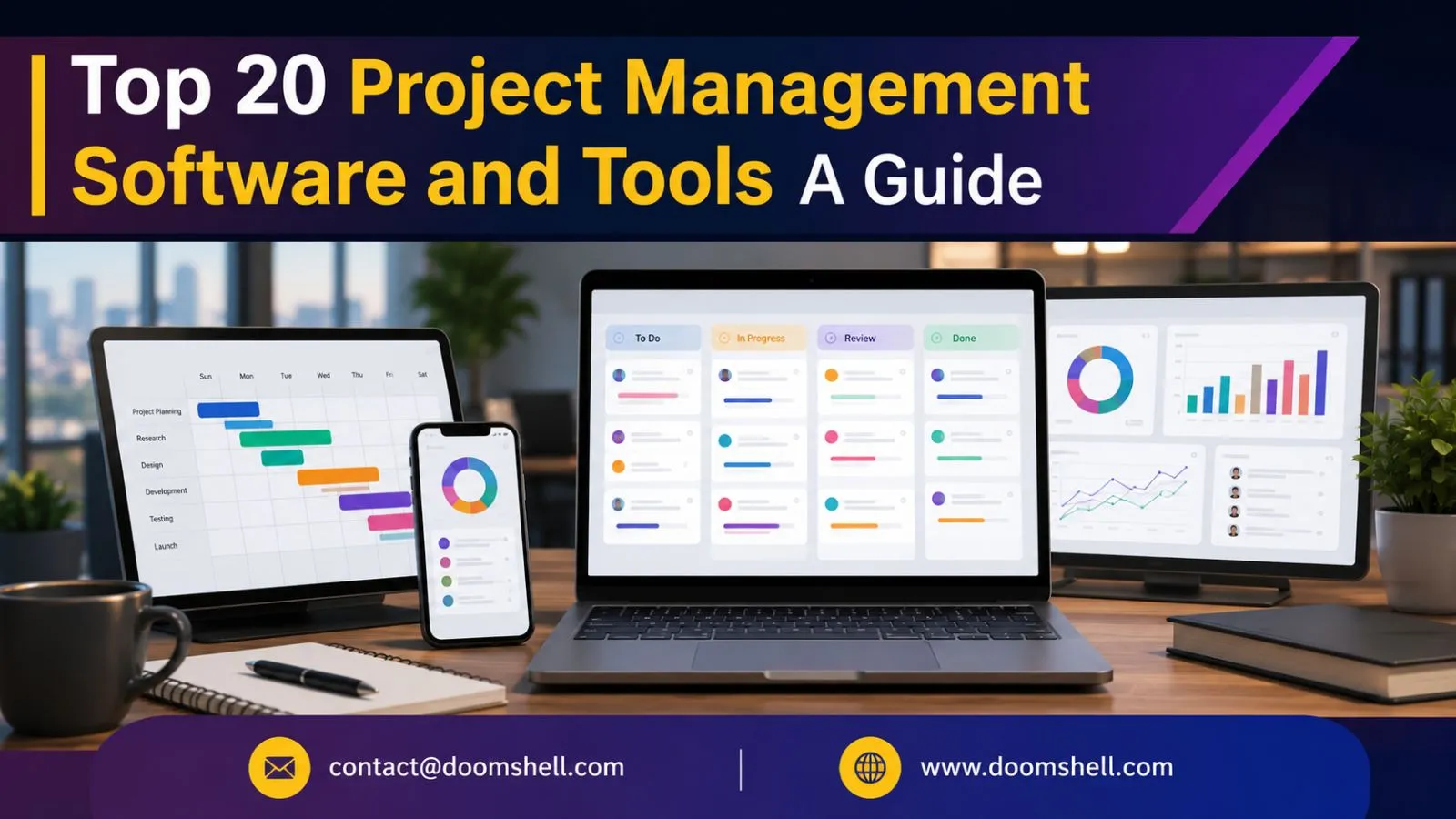
Managing projects successfully requires more than assigning tasks and setting deadlines. Modern businesses need a centralized platform where teams can collaborate, monitor progress, manage resources, and deliver projects on time. As remote work and distributed teams continue to grow, project management software has become an essential business tool rather than a luxury.
The right project management software improves communication, increases productivity, enhances accountability, and provides complete visibility into project performance. Whether you’re managing software development, marketing campaigns, construction projects, client work, or internal business operations, choosing the right platform can significantly improve your team’s efficiency.
In this guide, we’ll explore the top 20 project management software solutions, their key features, and how to choose the best one for your organization.
Why Project Management Software is Important
Without proper project management tools, businesses often struggle with:
-
Missed deadlines
-
Poor communication
-
Task duplication
-
Resource conflicts
-
Budget overruns
-
Lack of project visibility
Project management software helps businesses organize workflows, assign responsibilities, track progress, automate repetitive tasks, and improve collaboration across teams.
Key Features to Look For
Before selecting project management software, consider these essential features:
Task Management
Create, assign, prioritize, and monitor tasks with ease while tracking deadlines and project milestones.
Team Collaboration
Features like file sharing, comments, mentions, chat, and notifications improve communication and teamwork.
Scheduling & Planning
Interactive calendars, Gantt charts, Kanban boards, and workload management help teams stay organized.
Reporting & Analytics
Generate reports on project progress, team productivity, budgets, and resource utilization for better decision-making.
Customization
Choose software that allows you to customize workflows, dashboards, permissions, and automation according to your business needs.
Top 20 Project Management Software
1. Trello
Trello uses a simple Kanban board interface that makes project organization easy for individuals and teams.
Best for: Small teams, freelancers, and startups.
2. Asana
Asana offers powerful task management, workflow automation, timeline views, and team collaboration features.
Best for: Marketing teams, agencies, and growing businesses.
3. Monday.com
Monday.com provides customizable workflows, dashboards, automation, and project tracking tools suitable for almost every industry.
Best for: Businesses requiring highly customizable workflows.
4. Basecamp
Basecamp focuses on simplicity by combining task management, messaging, file sharing, and scheduling into one platform.
Best for: Small businesses and client projects.
5. Wrike
Wrike includes advanced planning tools such as Gantt charts, workload management, and time tracking.
Best for: Medium and large organizations.
6. ClickUp
ClickUp is one of the most feature-rich project management platforms, combining tasks, documents, goals, chat, dashboards, and automation.
Best for: Teams wanting an all-in-one productivity platform.
7. Jira
Jira is widely used by software development teams following Agile and Scrum methodologies.
Best for: Software development and DevOps teams.
8. Teamwork
Teamwork focuses on client work, project planning, billing, and collaboration.
Best for: Agencies and service-based businesses.
9. Smartsheet
Smartsheet combines spreadsheet functionality with advanced project management capabilities.
Best for: Businesses familiar with Excel-style workflows.
10. Zoho Projects
Zoho Projects offers affordable project management integrated with the Zoho business ecosystem.
Best for: Small and medium businesses.
11. Microsoft Project
Microsoft Project remains one of the most powerful enterprise project management solutions available.
Best for: Large enterprises managing complex projects.
12. Notion
Notion combines documentation, knowledge management, task tracking, and collaboration into one flexible workspace.
Best for: Startups and knowledge-based teams.
13. Airtable
Airtable blends databases with spreadsheets, making it ideal for custom project tracking.
Best for: Creative teams and content management.
14. Slack
Although primarily a communication platform, Slack integrates with hundreds of project management applications for streamlined collaboration.
Best for: Remote and hybrid teams.
15. Todoist
Todoist offers a clean interface for personal productivity and lightweight project management.
Best for: Individuals and small teams.
16. ProofHub
ProofHub combines project planning, discussions, file sharing, task management, and proofing tools.
Best for: Marketing agencies and creative teams.
17. Mavenlink (Kantata)
Mavenlink specializes in project planning, financial management, and resource allocation.
Best for: Professional services organizations.
18. Hive
Hive provides flexible project views, automation, messaging, and analytics.
Best for: Cross-functional business teams.
19. LiquidPlanner
LiquidPlanner offers predictive scheduling and dynamic resource planning using intelligent forecasting.
Best for: Complex project environments.
20. Redbooth
Redbooth delivers straightforward task management, collaboration, and communication features for growing teams.
Best for: Small businesses and remote teams.
How to Choose the Right Project Management Software
Before making your decision, evaluate:
-
Team size
-
Business requirements
-
Budget
-
Ease of use
-
Collaboration features
-
Automation capabilities
-
Integration options
-
Mobile accessibility
-
Security
-
Scalability
The ideal software should simplify your workflow while supporting future business growth.
Benefits of Project Management Software
Using project management software can help businesses:
-
Improve team collaboration
-
Increase productivity
-
Track deadlines
-
Manage resources effectively
-
Reduce manual work
-
Improve transparency
-
Enhance customer satisfaction
-
Deliver projects on time
-
Monitor budgets
-
Support remote work
Conclusion
Project management software has become an essential tool for businesses looking to improve efficiency, collaboration, and project success. Whether you’re managing a small team or a large enterprise, choosing the right platform can significantly streamline operations and improve productivity.
Tools like Trello, Asana, Monday.com, ClickUp, Jira, Microsoft Project, and Notion each offer unique strengths designed for different business needs. The best choice depends on your workflow, project complexity, team size, and long-term goals.
Take the time to evaluate your requirements, explore available features, and select a project management solution that empowers your team to collaborate effectively and deliver successful projects consistently.
FAQs
1. What is project management software?
Project management software is a digital tool that helps businesses plan, organize, assign, track, and manage projects while improving collaboration and productivity.
2. Which project management software is best for small businesses?
Popular options for small businesses include Trello, Asana, ClickUp, Monday.com, Basecamp, and Zoho Projects due to their ease of use and affordability.
3. What features should I look for in project management software?
Look for task management, collaboration tools, scheduling, reporting, automation, file sharing, integrations, mobile access, and customizable workflows.
4. Is project management software suitable for remote teams?
Yes. Most modern project management tools support remote collaboration with real-time communication, cloud storage, task tracking, and file sharing features.
5. Can project management software improve business productivity?
Absolutely. It helps streamline workflows, improve communication, reduce manual work, monitor progress, increase accountability, and ensure projects are completed on time and within budget.