WordPress has become one of the most widely used content management systems (CMS) for building business websites, blogs, eCommerce stores, and custom digital platforms. What began as a blogging platform has evolved into a flexible website development solution that supports businesses of different sizes and industries.
Companies choose WordPress because it offers content management flexibility, a large plugin ecosystem, customizable themes, and opportunities to scale website functionality as business needs change. However, building a professional website requires more than installing a theme and adding content. Performance, security, accessibility, search visibility, and maintainability all influence the website's long-term success.
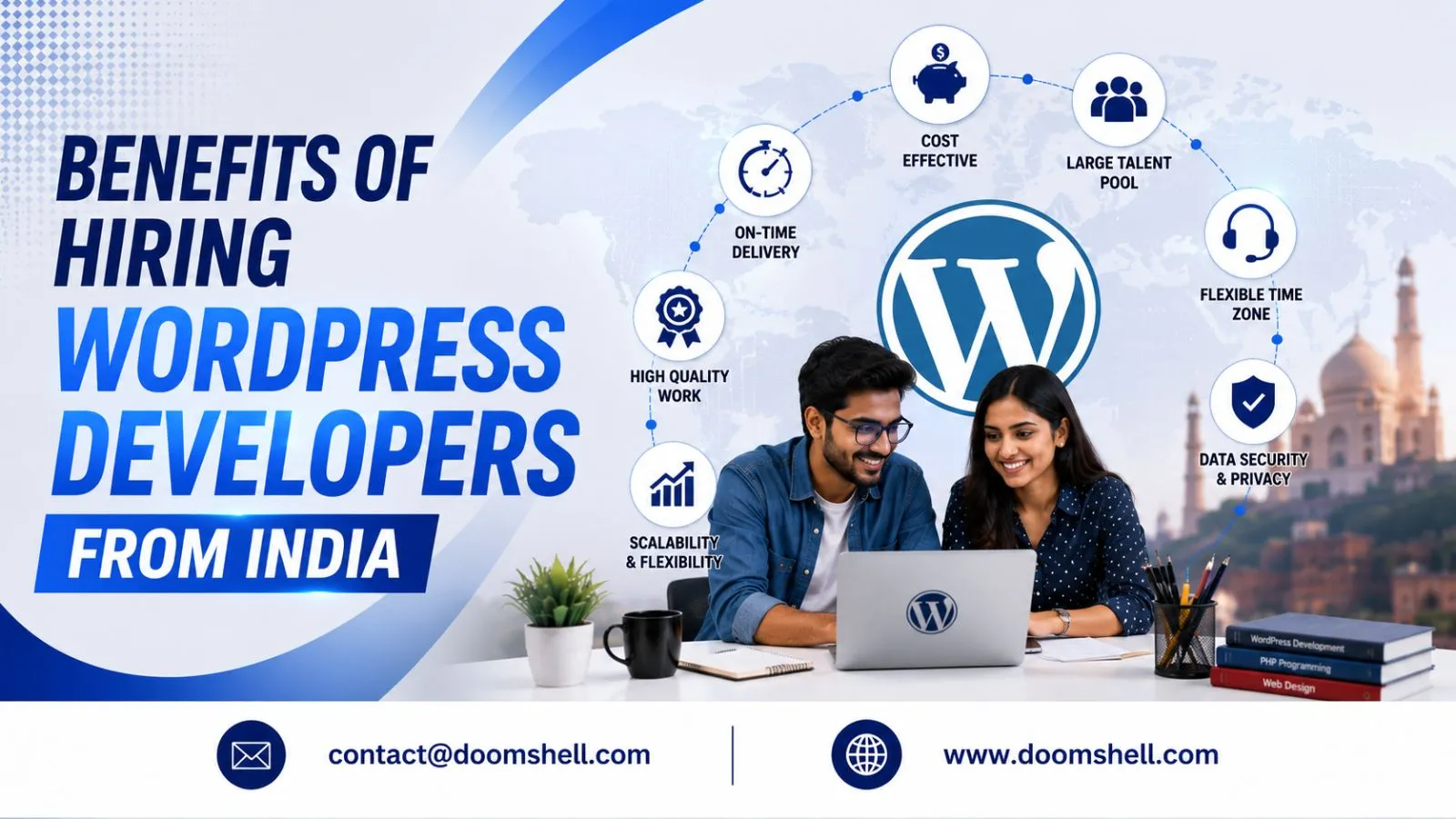
Businesses looking to hire WordPress developers in India can access technical expertise and flexible development models for projects ranging from business websites to complex online stores. In 2026, modern WordPress development also involves block-based editing, improved website management workflows, performance optimization, and carefully evaluated AI integrations.
Why Use WordPress for Professional Website Development?
WordPress gives businesses the flexibility to manage content and expand website functionality without rebuilding the entire platform for every new requirement. Its open-source ecosystem allows developers to create tailored experiences while keeping everyday publishing tasks manageable for non-technical teams.
The right implementation depends on the website's purpose, expected traffic, integrations, and future growth plans.
Key Benefits of WordPress for Businesses
WordPress supports a wide range of website requirements, including corporate websites, service pages, publishing platforms, portfolios, membership websites, and online stores. Its flexibility makes it suitable for startups, growing businesses, and established organizations.
Key advantages include:
-
Flexible content management: Teams can publish and update pages, blog posts, images, and other content through the administrative dashboard.
-
Customizable design: Themes, blocks, and custom development help businesses create a website aligned with their brand.
-
Extensible functionality: Plugins and custom integrations can add forms, analytics, booking systems, and other features.
-
SEO-friendly foundations: WordPress supports structured content, editable page titles, and search-friendly URLs when configured properly.
-
Scalable architecture: Hosting, caching, database optimization, and code quality can be improved as website requirements grow.
-
Ownership and flexibility: Businesses can work with different developers and service providers instead of relying entirely on one proprietary website platform.
These benefits do not automatically guarantee high rankings, strong security, or fast loading speeds. Website quality depends on the implementation, hosting environment, content, and ongoing maintenance.
Custom WordPress Development and the Block Editor in 2026
WordPress development has evolved beyond traditional themes and page-building tools. The Block Editor allows content teams to build layouts using individual content blocks, while block themes and reusable patterns can help standardize page design across a website.
WordPress 7.0, released in May 2026, introduced features including AI integration foundations, a more flexible navigation editing experience, and visual revision tools. WordPress 7.1 followed in August 2026 with further improvements to editing, collaboration, and image processing. The official release archive lists WordPress 7.1.3, released on October 6, 2026, as the latest stable release.
For businesses, these developments make it useful to evaluate whether a developer understands modern WordPress editing workflows rather than relying exclusively on older theme customization methods.
A professional developer can help with:
-
Custom block development for reusable page sections.
-
Block themes and theme customization.
-
Responsive layouts for mobile, tablet, and desktop.
-
Custom post types and structured content.
-
Integration with business systems and third-party APIs.
-
Editor experiences that make content updates easier.
AI integrations can support tasks such as drafting content or suggesting image descriptions, depending on the tools configured. However, AI-generated material should be reviewed for accuracy, accessibility, brand consistency, and originality before publication.
Why Hire WordPress Developers from India?
India is a major destination for software and website development services, offering businesses access to professionals with varied technical skills and industry experience. Companies can choose freelancers, individual dedicated developers, or complete development teams based on project size and internal resources.
Hiring in India may also offer cost advantages compared with some other markets. Actual costs depend on the developer's experience, the complexity of the website, the engagement model, and the level of ongoing support required.
Cost-Effective WordPress Development Services
Building an internal team involves more than salaries. Recruitment, training, software, infrastructure, and management also contribute to the overall investment.
Outsourcing WordPress development can help businesses control these expenses and allocate resources to other priorities, including content creation, marketing, product development, and customer acquisition.
Potential benefits include:
-
Flexible project-based or monthly engagement options.
-
Access to developers with different levels of expertise.
-
Reduced recruitment and onboarding effort.
-
The ability to add specialists when project needs change.
-
Access to maintenance and technical support without hiring every role internally.
Businesses should compare the total value of a proposal rather than choosing a provider solely because the initial quotation is lower. Code quality, delivery timelines, documentation, and post-launch support can significantly affect the overall cost of ownership.
Access to Skilled Developers and Flexible Teams
Professional WordPress developers may specialize in custom themes, plugin development, WooCommerce, website migrations, API integrations, performance optimization, or security improvements.
Depending on the project, businesses may need a developer who can work independently or a team that includes designers, backend engineers, quality assurance specialists, and project managers.
When evaluating developers, ask for examples of websites with similar functionality. Discuss the challenges they handled, the technical decisions they made, and how they measured the final results.
This approach helps determine whether a candidate can solve practical business problems rather than simply install plugins or configure pre-built templates.
Communication, Delivery, and Long-Term Support
Effective communication is essential when working with an offshore development team. Differences in location or time zones do not have to create delays if responsibilities, deadlines, and communication practices are clearly defined.
Before a project starts, agree on milestones, progress updates, review meetings, and approval processes. Written requirements and shared project documentation also help reduce misunderstandings.
Ongoing support should be part of the planning process. WordPress websites require regular updates, backups, compatibility checks, and security monitoring. Businesses should clarify who handles updates, resolves bugs, investigates performance issues, and responds to unexpected downtime after launch.
A dependable development relationship combines technical ability with transparent communication and clear accountability.
Essential Skills to Look for When Hiring WordPress Developers
Selecting the right developer requires evaluating technical knowledge alongside problem-solving, testing, and maintenance skills. A professional website must do more than look attractive; it should also be accessible, secure, responsive, and manageable as the business evolves.
WordPress Core, PHP, JavaScript, and Custom Development
A strong WordPress developer should understand how the platform works and how to extend it without introducing unnecessary complexity.
Important skills include:
-
WordPress core concepts, hooks, filters, and the template hierarchy.
-
PHP and database fundamentals.
-
HTML, CSS, JavaScript, and responsive interface development.
-
Custom theme and plugin development.
-
Block Editor and block theme implementation.
-
REST API integration and structured content.
-
Version control, code reviews, and development environments.
Developers should also know when a plugin is appropriate and when a custom solution is necessary. Too many overlapping plugins can increase maintenance complexity, introduce compatibility issues, and affect performance.
Before hiring, ask how the developer would approach a specific requirement, such as a custom booking workflow or a searchable directory. Their explanation should cover implementation, testing, maintainability, and potential limitations.
Performance, Core Web Vitals, and SEO
Website speed influences usability, conversions, and the overall browsing experience. Developers should understand how to identify bottlenecks rather than assuming that installing a caching plugin will solve every performance issue.
Useful practices include optimizing images, reducing unnecessary JavaScript, using appropriate caching, reviewing database queries, and choosing hosting that matches the site's traffic and technical requirements.
Core Web Vitals provide useful measures of real-world user experience. These include Largest Contentful Paint (LCP) for loading performance, Interaction to Next Paint (INP) for responsiveness, and Cumulative Layout Shift (CLS) for visual stability.
WordPress developers should also support technical SEO by implementing clean URL structures, appropriate redirects, crawlable navigation, and correct page metadata. They should coordinate with content and SEO specialists to avoid duplicate pages and prevent important content from being accidentally blocked from search engines.
Performance and SEO results must be measured after implementation. No developer can guarantee search rankings solely by using WordPress or following a checklist.
Security, Accessibility, and AI-Assisted Workflows
Security is a core requirement for any professional website, especially platforms that collect customer information, process payments, or provide user accounts.
A responsible developer should follow secure coding practices, validate and sanitize inputs, implement appropriate permissions, and escape output correctly. They should also use maintained dependencies, configure backups, and establish a process for applying security updates.
Accessibility is equally important. Websites should provide meaningful image alternatives, keyboard navigation, visible focus states, appropriate headings, and sufficient colour contrast. Automated testing can identify some issues, but manual testing remains valuable.
AI-assisted development can help developers explore implementation options, generate test cases, or speed up repetitive tasks. However, generated code must be reviewed and tested before it reaches a live website. Sensitive credentials, customer information, and confidential source code should not be shared with unapproved AI tools.
The strongest developers combine modern tools with sound engineering judgement, security awareness, and a commitment to maintainable code.
How to Choose the Right WordPress Development Partner
Choosing a development partner requires balancing technical expertise, budget, project complexity, and future maintenance needs. A structured selection process helps businesses compare proposals more accurately and avoid unexpected costs.
Freelancer vs Dedicated Developer vs Development Agency
Different hiring models suit different project requirements.
Freelance WordPress developer: Suitable for smaller websites, targeted improvements, bug fixes, and clearly defined tasks. Confirm availability and the scope of post-launch support before hiring.
Dedicated WordPress developer: A good option for businesses that need consistent development capacity, regular feature updates, and a professional who can become familiar with the existing website.
WordPress development agency: Useful for projects requiring multiple skills, such as design, development, testing, integrations, and project management. An agency may also provide ongoing maintenance services.
Consider the following comparison:
|
Hiring model |
Best suited for |
Main consideration |
|---|---|---|
|
Freelancer |
Small projects and specific tasks |
Availability and continuity |
|
Dedicated developer |
Ongoing development |
Internal management and priorities |
|
Development agency |
Complex websites and complete delivery |
Scope, communication, and accountability |
The best model depends on the work required and the support available within your organization.
Project Evaluation Checklist and Long-Term Scalability
Before selecting a provider, review its portfolio, relevant technical experience, communication process, and approach to quality assurance. Ask for examples of similar projects and discuss how the team handles changing requirements.
Use this checklist when evaluating candidates:
-
Confirm experience with comparable WordPress websites.
-
Review custom development and integration capabilities.
-
Discuss security, backup, and update procedures.
-
Ask how performance and accessibility are tested.
-
Clarify project milestones and acceptance criteria.
-
Confirm source-code ownership and documentation.
-
Establish post-launch support and maintenance responsibilities.
-
Check compatibility between WordPress, PHP, themes, and plugins.
Scalability should also influence technical decisions. A website expected to grow may require stronger hosting, caching, a carefully planned content structure, or integrations with external business systems. WooCommerce stores may need additional attention to product catalog performance, checkout reliability, payment integrations, and order management.
Avoid unnecessary complexity during the initial build. The goal is to create a maintainable website that meets current business needs while allowing practical improvements in the future.
For businesses that need ongoing technical guidance, an experienced IT company can coordinate development, testing, security, and maintenance under a clearly defined process.
Doomshell.com provides software development services for businesses building digital products. The team supports website development and technology-focused project requirements. Businesses can explore development approaches based on their goals, timelines, and technical needs. Visit Doomshell.com to learn more about its services and discuss your project requirements.