Understanding School ERP Software
What Is a School ERP?
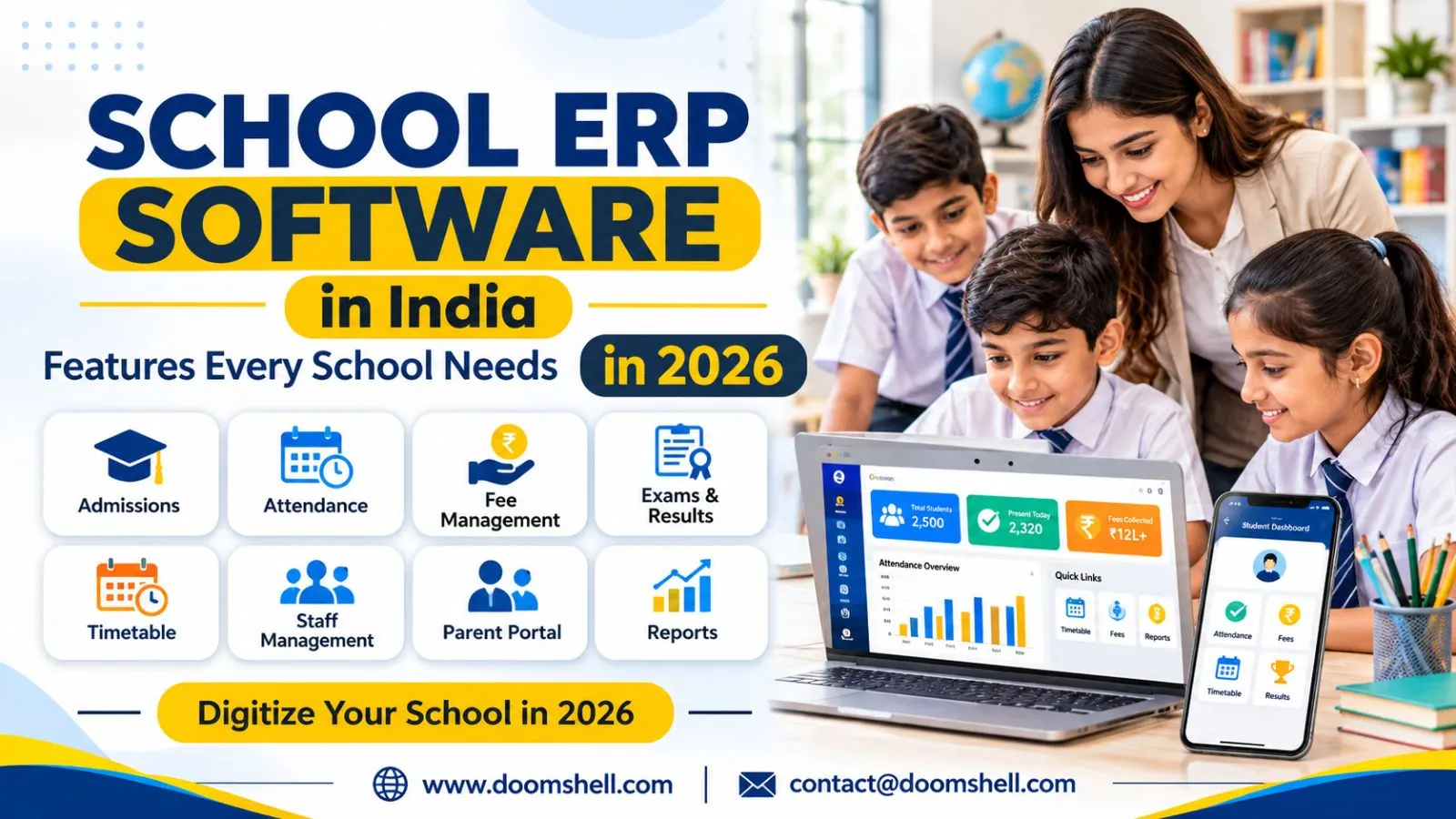
School ERP software is an integrated digital platform that helps educational institutions manage their academic, administrative, financial, and operational activities from a centralized system. ERP stands for Enterprise Resource Planning. In a school environment, it connects departments that would otherwise depend on separate registers, spreadsheets, and applications.
A typical school ERP system includes student admissions, attendance, examinations, fee collection, staff management, communication, and reporting. Each department works with shared information, reducing repeated data entry and making records easier to access.
For example, when a student joins a school, administrators can create one digital profile containing admission details, class information, parent contacts, documents, and fee records. Teachers can use the same profile for attendance and academic updates, while parents can access relevant information through their portal or mobile app.
The main purpose is not simply to digitize paperwork. It is to make school operations more coordinated, accurate, and manageable.
How School ERP Integrates School Operations
Schools handle several connected activities every day. Admissions generate student records, attendance affects academic monitoring, examination results contribute to report cards, and fee payments update financial records. When these activities operate through disconnected systems, staff members often enter the same information multiple times.
An integrated ERP connects these processes through shared data and defined workflows. A student’s information can move from the admission module to class allocation, attendance, examinations, and fee management without creating separate records for every department.
For example, an attendance entry can update the student’s daily record and trigger an absence notification for parents. Similarly, a recorded fee payment can update the student’s account and generate a digital receipt.
This integration gives administrators a clearer view of school operations. It also reduces manual coordination between departments and helps staff focus on their responsibilities instead of repeatedly checking records.
School ERP vs Standalone School Management Software
Standalone school applications usually solve individual problems. One application may handle fees, another may manage attendance, and a separate tool may support examinations. Although these tools can be useful, managing information across multiple platforms can create inconsistencies.
A school ERP brings these functions into a connected environment. The difference is mainly in the level of integration and the way information is shared.
|
Standalone software |
Integrated school ERP |
|---|---|
|
Manages a specific task |
Connects multiple departments |
|
May maintain separate records |
Uses shared student and staff data |
|
Requires manual data coordination |
Supports connected workflows |
|
Reporting may be limited to one module |
Enables institution-wide reporting |
|
Multiple logins may be required |
Can provide role-based access in one system |
A standalone solution may suit a school with a very specific requirement. However, institutions planning to improve administration across departments should evaluate an integrated platform that can grow with their needs.
Essential ERP Modules for Indian Schools
Student and Parent Management
Student information is the foundation of school administration. A student management module should maintain accurate profiles, admission details, guardian information, documents, class assignments, and academic history.
For Indian schools, the system should support different admission processes, class structures, academic sessions, and student categories. Administrators should be able to manage new admissions, update records, transfer students, and promote learners to the next academic year.
Parent management is equally important. The system should maintain verified contact details and connect guardians with the correct student records. Where a student has multiple guardians, schools may need separate access permissions and communication preferences.
A well-designed student information management system helps schools:
-
Maintain complete student profiles and admission records.
-
Store documents and update contact information.
-
Manage class, section, and academic-year changes.
-
Connect parents with attendance, fees, and academic updates.
-
Retrieve student information without searching through physical files.
These capabilities create a reliable information base for other ERP modules.
Attendance and Academic Management
Attendance and academic management are among the most frequently used functions in a school ERP. The attendance module should allow authorized teachers or staff to record daily attendance, view class summaries, and correct entries according to school policy.
Depending on the institution’s requirements, attendance may be recorded through web portals, mobile applications, biometric devices, or RFID systems. Automated absence notifications can help parents receive timely information about their child’s attendance.
Academic management should support class timetables, subject allocation, examinations, marks entry, grading, homework, and report card generation. Schools following CBSE, ICSE, or state-board systems may require different grading structures and report formats. Therefore, customization is an important selection criterion.
An effective school attendance management system also helps administrators identify attendance patterns and prepare summaries. When attendance and academic records are connected, teachers can review relevant information more efficiently and maintain consistent student records.
Fees and Accounting Management
Fee administration involves more than recording payments. Schools may need to manage admission fees, tuition fees, transport charges, examination fees, optional services, concessions, instalments, late fees, and refunds.
School fee management software should allow administrators to configure fee structures according to class, academic session, student category, and payment schedule. It should also support multiple payment methods, including online gateways, UPI, cards, bank transfers, and offline payment entries where required.
When a payment is recorded, the system should update the student’s account, generate a receipt, and reflect the transaction in financial reports. Automated reminders can notify parents about upcoming or overdue payments.
Accounting features should help authorized staff monitor collections, outstanding balances, refunds, and transaction histories. Clear audit records are important because financial information must remain traceable.
The right system reduces manual reconciliation, improves payment visibility, and helps school administrators make informed financial decisions.
HR, Payroll and Staff Management
Schools also need reliable systems for managing teachers, administrative employees, support staff, and other personnel. An HR module should maintain staff profiles, employment details, joining dates, assigned departments, qualifications, and relevant documents.
Staff attendance, leave applications, shift records, and approval workflows can be managed through the same platform. Payroll functionality can use approved attendance and leave information to support salary calculations, deductions, payslips, and payroll reports.
For Indian institutions, payroll requirements may include applicable statutory deductions and institution-specific salary structures. Schools should confirm that the system supports their accounting and compliance processes before implementation.
A connected HR and payroll module reduces repeated data entry and helps management access consistent staff records. It also makes routine administrative activities easier to monitor.
Advanced Features That Improve School Efficiency
Mobile Apps for Parents, Teachers and Students
Mobile applications make school information accessible beyond the administrative office. Parents can check attendance, fee status, announcements, homework, examination schedules, and report cards without repeatedly contacting school staff.
Teachers can use mobile apps to record attendance, share assignments, communicate updates, and access class information. Students may also receive timetables, learning materials, notices, and academic updates through their designated access.
A useful parent-teacher communication app should be easy to navigate and provide information relevant to each user. Role-based access is essential: parents should only see information connected to their children, while teachers should access the classes and records assigned to them.
Indian schools should also consider device compatibility, notification controls, language accessibility, and performance on varying internet connections. Mobile access should simplify existing processes rather than introduce another complicated platform.
Automated Notifications and Communication
Timely communication helps schools keep parents, teachers, and students informed. An ERP should support notifications for attendance, fee reminders, examination schedules, holidays, timetable changes, events, and important announcements.
Schools may use SMS, email, in-app alerts, or supported messaging integrations, depending on their communication requirements. Templates can help staff send consistent messages without preparing every notification manually.
Automation also makes communication more responsive. For example, when a student is marked absent, the system can send an alert to the registered guardian. When a fee payment becomes due, a reminder can be scheduled according to the institution’s rules.
However, schools should maintain communication preferences and avoid sending unnecessary messages. Notifications must reach the correct recipients, protect personal information, and provide accurate details.
Reports, Analytics and Real-Time Dashboards
School leaders need reliable information to understand institutional performance. Reports and dashboards can bring together data from admissions, attendance, fees, examinations, and staff management.
A principal may want to review class-wise attendance, examination performance, pending fee collections, admission enquiries, or staff availability. Instead of requesting separate reports from different departments, authorized users can access relevant information through a centralized dashboard.
Useful reporting features include:
-
Student strength by class, section, and academic session.
-
Daily, monthly, and subject-wise attendance summaries.
-
Fee collection, outstanding balances, and payment trends.
-
Examination results and academic performance reports.
-
Staff attendance, leave, and payroll summaries.
In 2026, embedded analytics and increasingly accessible AI-assisted tools are creating opportunities for faster data interpretation. However, schools should treat automated insights as decision support, not a replacement for professional judgment. Reports must be based on accurate data, and access should remain restricted according to user roles.
Inventory and Purchase Management
Schools manage physical resources such as books, uniforms, stationery, laboratory equipment, sports materials, computers, furniture, and maintenance supplies. Without a structured inventory process, tracking stock and purchase requirements can become difficult.
An inventory and purchase management module should maintain item details, available quantities, suppliers, purchase orders, stock receipts, and issue records. Schools can assign items to departments and monitor usage over time.
For example, when the library receives new books or a science department requests laboratory materials, the relevant transaction can be recorded in the system. Administrators can review current stock before approving another purchase.
The module may also support supplier records, purchase approvals, low-stock alerts, and inventory reports. These functions improve accountability and help schools plan purchases based on actual requirements.
Why Indian Schools Should Invest in an Integrated ERP
Centralized School Data Management
An integrated ERP creates a common information environment for authorized departments. Instead of maintaining separate student, fee, attendance, and staff records, schools can manage connected information through one platform.
Centralized data reduces duplication and makes it easier to retrieve updated records. It also supports more consistent reporting because departments work from shared information rather than maintaining independent versions.
Data security must remain a priority. Schools handle sensitive information about children, parents, employees, and finances. They should evaluate encryption, secure authentication, role-based permissions, audit logs, backup procedures, and data recovery options before selecting a provider.
Indian schools should also review their responsibilities under applicable data protection requirements, particularly when processing children's personal information. A secure ERP needs both suitable technology and responsible administrative practices.
Faster Administrative Processes
Manual administration can consume significant staff time. Preparing attendance summaries, checking fee balances, generating report cards, and coordinating approvals often involves repetitive work.
An integrated platform can automate routine steps and reduce unnecessary paperwork. For example, digital fee receipts can be generated after payment confirmation, attendance summaries can be prepared from recorded entries, and report cards can be produced using approved academic data.
Automation does not remove the need for staff oversight. Instead, it allows employees to spend less time on repetitive tasks and more time supporting students, teachers, and parents.
Schools should prioritize features that solve their actual operational challenges. A system with fewer, well-used modules can provide more value than a complex platform that staff members find difficult to adopt.
Better Collaboration Between Stakeholders
School operations depend on coordination between administrators, teachers, parents, students, and management. When information is delayed or difficult to access, misunderstandings and repeated enquiries can increase.
An ERP improves collaboration by providing each stakeholder with relevant information through dedicated portals and permissions. Teachers can share academic updates, parents can review notices and student progress, and administrators can monitor institutional activities.
For example, a parent can view an attendance notification while a teacher can access the corresponding class record. The school office can review the same verified information without requesting separate updates.
Clear communication channels also support accountability. Each user can understand which information is available, which actions are required, and where to find updates.
Building a Future-Ready Digital School
A future-ready school needs technology that can adapt as its operations change. Student strength may increase, new branches may open, academic requirements may evolve, and schools may introduce additional digital services.
Cloud-based architecture can support access across locations and devices, while modular design allows institutions to adopt relevant features in stages. API integrations can connect the ERP with payment gateways, biometric devices, accounting platforms, learning management systems, and other approved applications.
Schools should also evaluate data portability, backup frequency, uptime commitments, implementation support, staff training, and the provider’s upgrade process. These factors influence the long-term value of the system just as much as its feature list.
In 2026, digital transformation in education is not only about installing software. It is about building connected, secure, and manageable processes that support better administration and communication. Choosing an adaptable platform helps schools prepare for future requirements without repeatedly replacing their core systems.
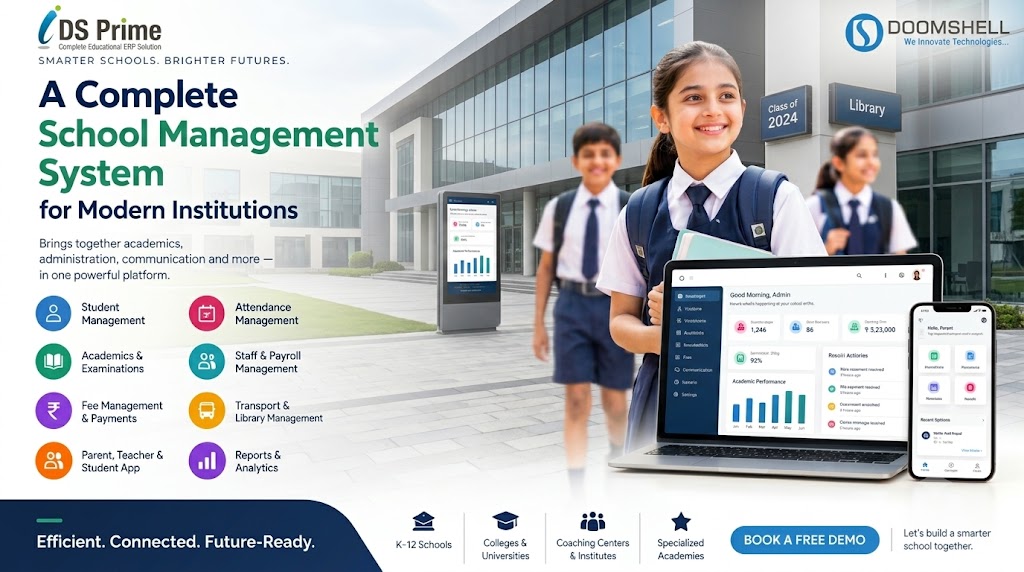
Doomshell develops digital solutions for organizations looking to improve their operational processes through technology. Its IDs Prime School ERP brings key institutional activities such as admissions, fee collection, attendance, examinations, staff management, transport, inventory, and parent communication into a connected platform. The solution includes web access and dedicated mobile applications for school stakeholders, helping institutions manage information and daily administration more efficiently. As an IT company, Doomshell supports schools seeking an integrated digital platform to organize campus operations and build a more connected school environment.