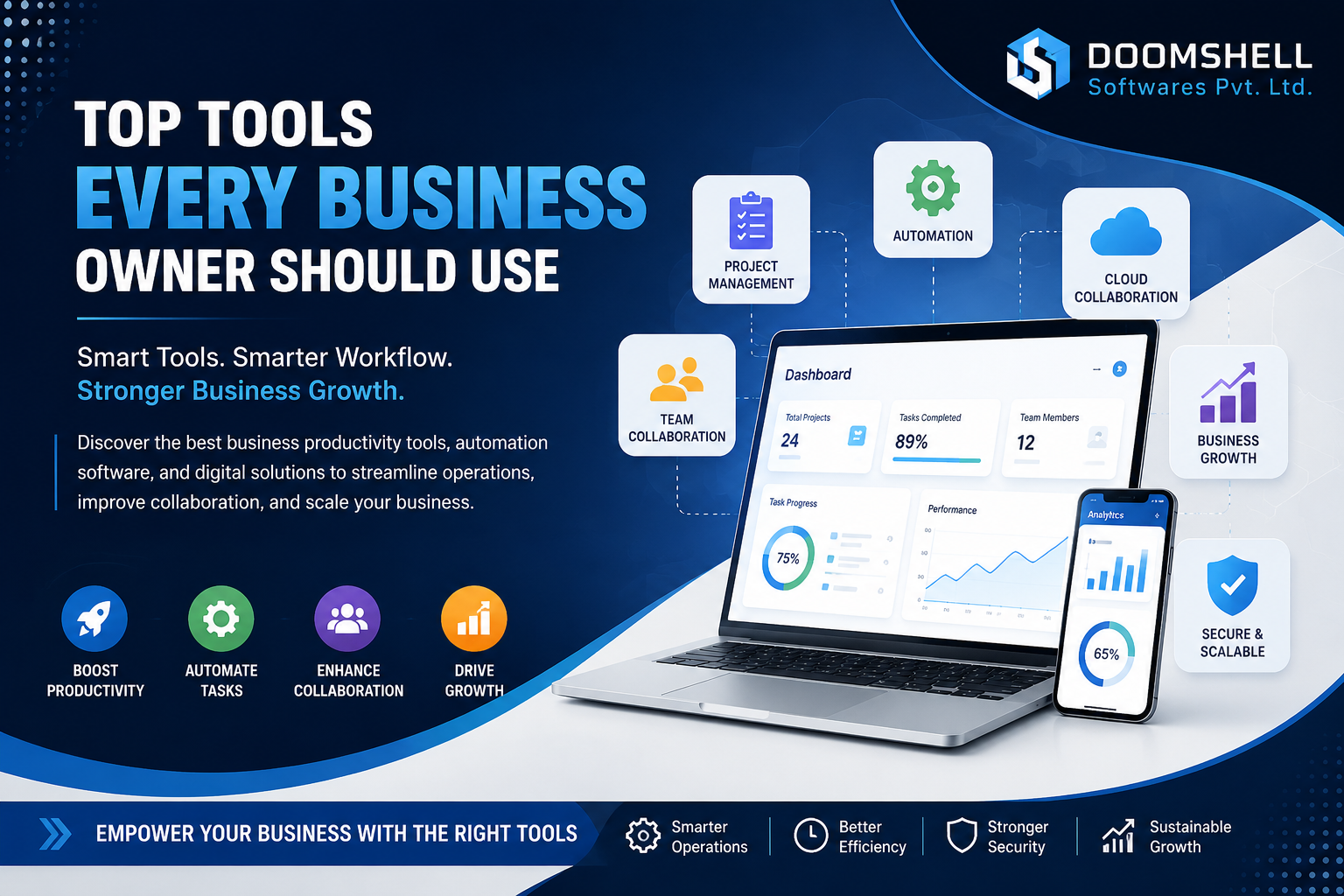
In today’s fast-paced digital economy, businesses need more than quality products and services to remain competitive. They must also manage workflows efficiently, collaborate effectively, deliver better customer experiences, and make informed decisions. Business Productivity Tools help organizations simplify daily operations, reduce repetitive work, and improve coordination across teams.
From project management platforms and cloud collaboration tools to AI-powered automation and custom applications, digital solutions support businesses of every size. The right combination depends on a company’s goals, team structure, existing systems, and budget. Rather than adopting every new tool, businesses should focus on solutions that solve real problems and deliver measurable improvements.
Why Business Productivity Tools Are Essential in 2026
Modern businesses handle growing volumes of information, customer requests, projects, and administrative tasks. When employees rely on disconnected applications or manual processes, work becomes harder to track and delays become more common.
Improve Efficiency and Employee Productivity
Business productivity software helps teams organize tasks, assign responsibilities, monitor deadlines, and share information from a central workspace. Employees spend less time searching for documents or requesting updates and more time completing meaningful work.
Common benefits include:
-
Better task and project visibility
-
Faster internal communication
-
Reduced repetitive administrative work
-
Improved coordination between departments
-
More consistent reporting and documentation
-
Better resource and time management
For example, a sales team can track leads in a customer relationship management system, while the finance department manages invoices through accounting software. Integrating these systems can reduce duplicate data entry and help employees access accurate information.
Support Better Decisions and Business Growth
Digital tools can turn everyday business data into useful insights. Reporting dashboards help managers monitor sales, expenses, project progress, customer satisfaction, and employee workloads.
Businesses can use these insights to identify bottlenecks, forecast demand, allocate resources, and improve customer service. As operations grow, connected systems also make it easier to maintain consistent processes across departments and locations.
The objective is not simply to introduce more technology. It is to create a practical digital environment where information flows smoothly and employees understand what needs attention.
Essential Digital Tools for Business Automation and Collaboration
A strong productivity setup combines tools for managing work, communicating with colleagues, serving customers, and automating routine processes. Businesses should select applications according to their actual workflows rather than choosing products based only on popularity.
Business Automation Software and Workflow Management
Business automation software reduces manual effort by completing repetitive tasks according to predefined rules or intelligent workflows.
Common automation opportunities include:
-
Sending appointment reminders and follow-up emails
-
Assigning new leads to the appropriate sales representative
-
Generating invoices and payment notifications
-
Updating inventory records after transactions
-
Preparing recurring reports
-
Routing customer support requests
-
Managing employee onboarding tasks
Workflow automation can connect different applications so that an action in one system triggers the next step in another. For example, a submitted enquiry could create a CRM record, notify a sales representative, and schedule a follow-up task automatically.
AI-powered tools can extend these capabilities by summarizing documents, categorizing requests, assisting with research, and extracting information from business records. However, sensitive decisions and high-impact actions should retain suitable human review.
Start with a process that consumes significant time or regularly causes errors. Measure the results before expanding automation to other departments.
Cloud Collaboration Tools and Project Management Platforms
Cloud collaboration tools allow employees to share documents, communicate, manage calendars, and coordinate projects from different locations. They are particularly useful for businesses with remote teams, multiple offices, or external partners.
Essential capabilities include real-time document editing, secure file sharing, team messaging, video meetings, shared calendars, and task tracking.
Project management platforms add structure by organizing work into projects, tasks, deadlines, milestones, and assigned responsibilities. Managers can identify overdue work, balance workloads, and monitor progress without relying on lengthy email conversations.
When evaluating these tools, consider integration with existing applications, access controls, mobile usability, and notification settings. Too many disconnected tools can create more interruptions instead of improving productivity.
A well-designed collaboration environment keeps conversations, decisions, and project information organized so employees can find what they need quickly.
Web Applications, Custom Software, and AI-Powered Business Solutions
Standard productivity applications are suitable for many everyday tasks. However, businesses with specialized workflows may need integrated applications that connect departments, improve customer experiences, and support more complex operations.
Web and Mobile Applications Improve Customer Experience
Customers increasingly expect convenient digital access to business services. Web and mobile applications can make it easier to book appointments, place orders, submit requests, make payments, and track service progress.
For example, a healthcare provider may use an appointment application, while a retailer may offer online ordering and delivery updates. A service company could provide a customer portal where clients review project progress, download documents, and raise support requests.
Well-designed applications can improve accessibility and service consistency while reducing the workload associated with manual enquiries.
Businesses should prioritize intuitive navigation, responsive design, reliable performance, accessibility, and secure data handling. Connecting customer-facing applications with CRM, inventory, payment, and support systems can further reduce duplication and improve service delivery.
Custom Software Development for Growing Businesses
Off-the-shelf applications may not support every business requirement. Companies with unique approval processes, specialized reporting needs, or complex integrations may benefit from custom software development.
Custom solutions can include internal business portals, inventory systems, employee management platforms, customer dashboards, enterprise applications, and industry-specific software.
Key advantages include:
-
Features designed around existing workflows
-
Integration with current business systems
-
Flexible reporting and analytics
-
Greater control over functionality
-
Room for future expansion
-
Reduced dependence on disconnected applications
Before developing custom software, businesses should document their requirements and compare the cost of development with the long-term value of the proposed solution. A phased rollout can help teams validate essential features before investing in additional modules.
For organizations planning this approach, an experienced business software development company in India can help assess requirements, design suitable architecture, integrate existing systems, and build solutions aligned with business objectives.
AI, Analytics, and Cybersecurity in the Modern Workplace
Artificial intelligence is becoming part of everyday business workflows. Teams can use AI assistants for drafting, summarization, research, data analysis, and customer support. More advanced AI-enabled workflows can coordinate multiple steps, such as classifying an enquiry, gathering relevant information, and preparing a response for approval.
However, AI adoption requires clear boundaries. Businesses should establish rules for handling confidential information, verify AI-generated outputs, review access permissions, and monitor the accuracy of automated processes.
Analytics tools also help organizations understand performance through dashboards and reports. By combining reliable data with clear performance indicators, managers can identify trends and make more informed decisions.
Cybersecurity must support every part of this digital environment. Businesses should use multifactor authentication, role-based access, regular backups, software updates, employee training, and appropriate data protection policies.
The goal is to adopt technology responsibly while keeping business information secure and maintaining human oversight where it matters.
How to Choose the Right Business Productivity Solutions
The most effective digital setup is one that fits the organization’s daily operations, budget, and future plans. Businesses should evaluate tools systematically instead of subscribing to multiple applications that perform overlapping functions.
Evaluate Costs, Integrations, and Scalability
Begin by identifying the main operational challenges. These might include slow approvals, missed customer follow-ups, scattered documents, manual reporting, or poor visibility into project progress.
Next, compare shortlisted solutions using practical criteria:
-
Ease of use: Can employees learn the system without extensive training?
-
Integration: Does it connect with existing accounting, CRM, and communication tools?
-
Total cost: What are the subscription, implementation, support, and upgrade expenses?
-
Security: Are access controls, backups, and data protection measures adequate?
-
Scalability: Can the platform accommodate more users, customers, and transactions?
-
Support: Is reliable technical assistance available when problems arise?
A pilot project can reveal usability issues and demonstrate whether the proposed tool actually improves performance. Track relevant metrics, such as task completion time, response time, error rates, and administrative workload.
Build a Practical Digital Transformation Strategy
Businesses do not need to modernize every department at once. A phased strategy makes implementation easier to manage and gives employees time to adapt.
Start with one high-impact process, introduce the appropriate tool, train the people who will use it, and measure the outcome. Once the workflow performs reliably, expand the approach to other areas.
Doomshell Softwares Pvt Limited helps organizations explore digital solutions tailored to their operational needs. Its capabilities include custom software development, web and mobile application development, business process automation, enterprise applications, API integration, and technical support.
Working with an experienced IT Company can help businesses assess technology requirements and plan an implementation that aligns with their objectives. The priority should be to solve genuine operational challenges, connect essential systems, and create a foundation that can evolve with the business.
Ultimately, business productivity tools deliver the greatest value when they work together as part of a clear strategy. By combining automation, collaboration, analytics, secure infrastructure, and well-designed applications, organizations can reduce unnecessary effort, improve customer experiences, and build more efficient operations for sustainable growth.